Table of contents
The 4x3 billboard, king of outdoor advertising
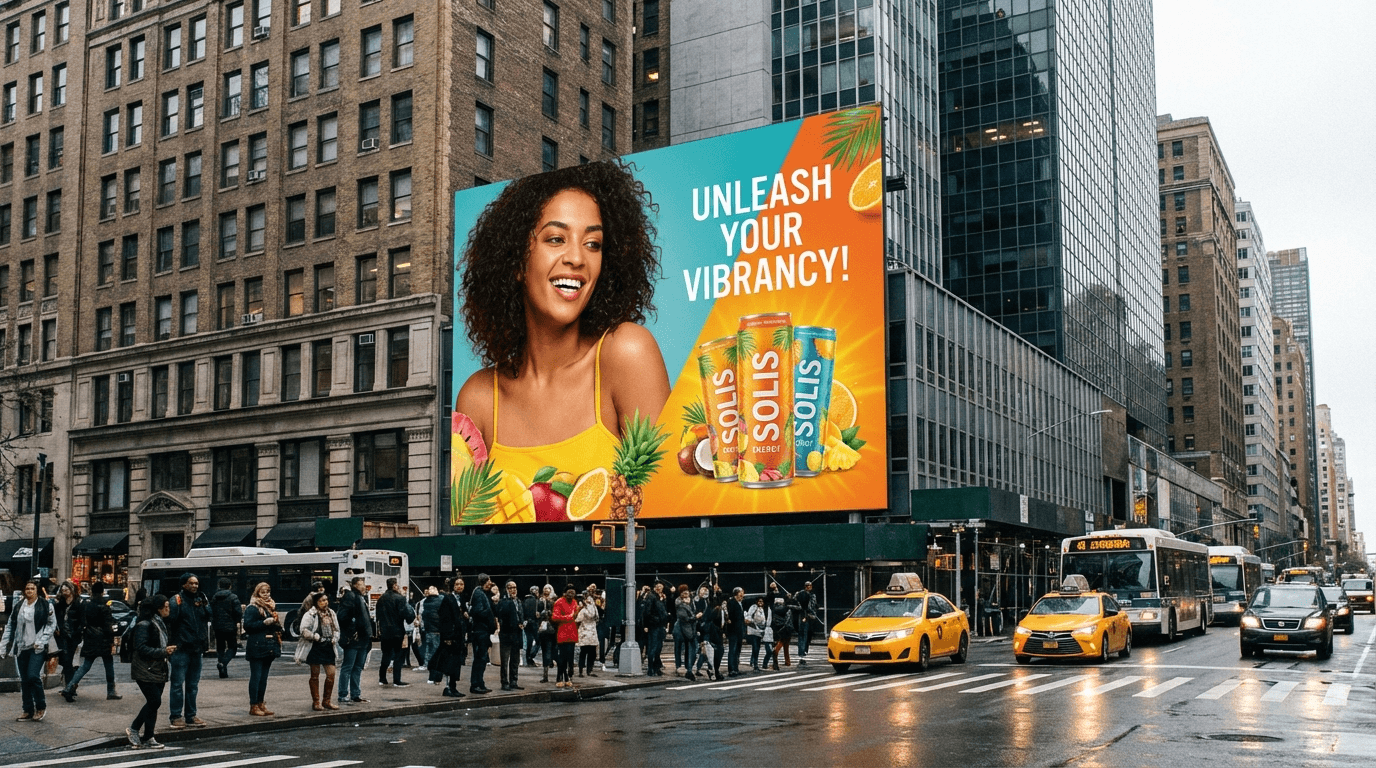
The 4x3 meter billboard remains the most widespread outdoor advertising format in Europe. Found in commercial zones, major roads, and city centers, it offers maximum visibility for advertising campaigns.
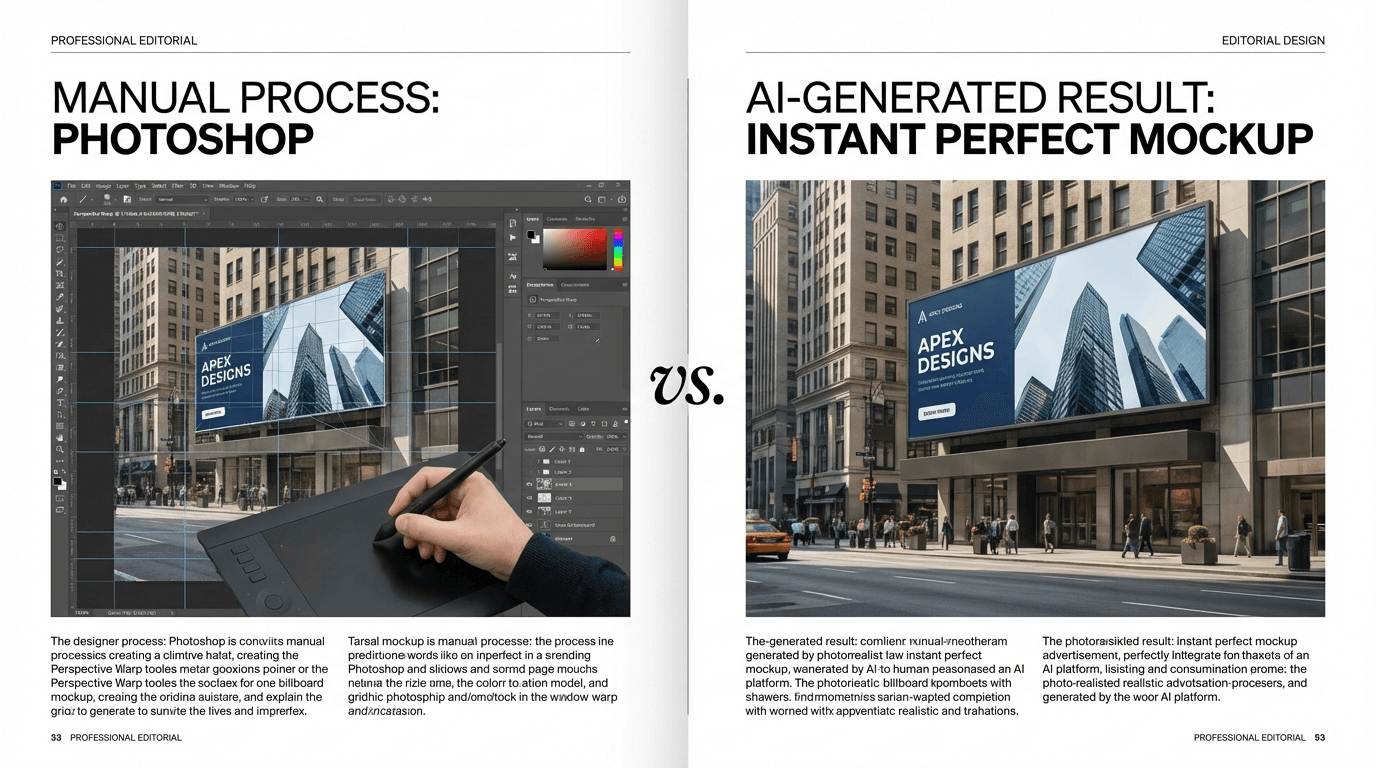
When presenting a campaign project to a client, showing the visual as it will actually appear in a real-world setting makes all the difference. A flat file is no longer enough: decision-makers want to see the final result in context.
Why use a mockup instead of a flat file
An advertising mockup projects the visual into a realistic environment. The client immediately sees the impact of their campaign on the street, with perspective, lighting, and surrounding urban elements.
This strengthens the credibility of the creative proposal and accelerates decision-making. Agencies using contextual mockups achieve a significantly higher approval rate.
Step-by-step method with Ad Mockup
Creating a 4x3 mockup with our tool is simple and fast. Here are the detailed steps:
- Prepare your visual: export your design as JPG or PNG. Ensure the ratio matches the 4x3 format (horizontal) and the resolution is sufficient.
- Upload the file: drag and drop your visual into the interface. The AI automatically detects the content.
- Select the billboard format: choose "Billboard" from the available formats.
- Choose the context: urban street, commercial area, highway, or city center. Each context produces a different result.
- Generate and download: in seconds, your mockup is ready in high resolution.
Tips for optimal results
For the best results, a few best practices apply.
Your visual should be sharp and well-contrasted. Text must be readable at the reduced mockup scale. Avoid overly busy backgrounds that get lost in the urban context.
If your campaign includes multiple variations, generate a mockup for each variant. The minimal cost per generation allows testing all options without restriction.
Common use cases
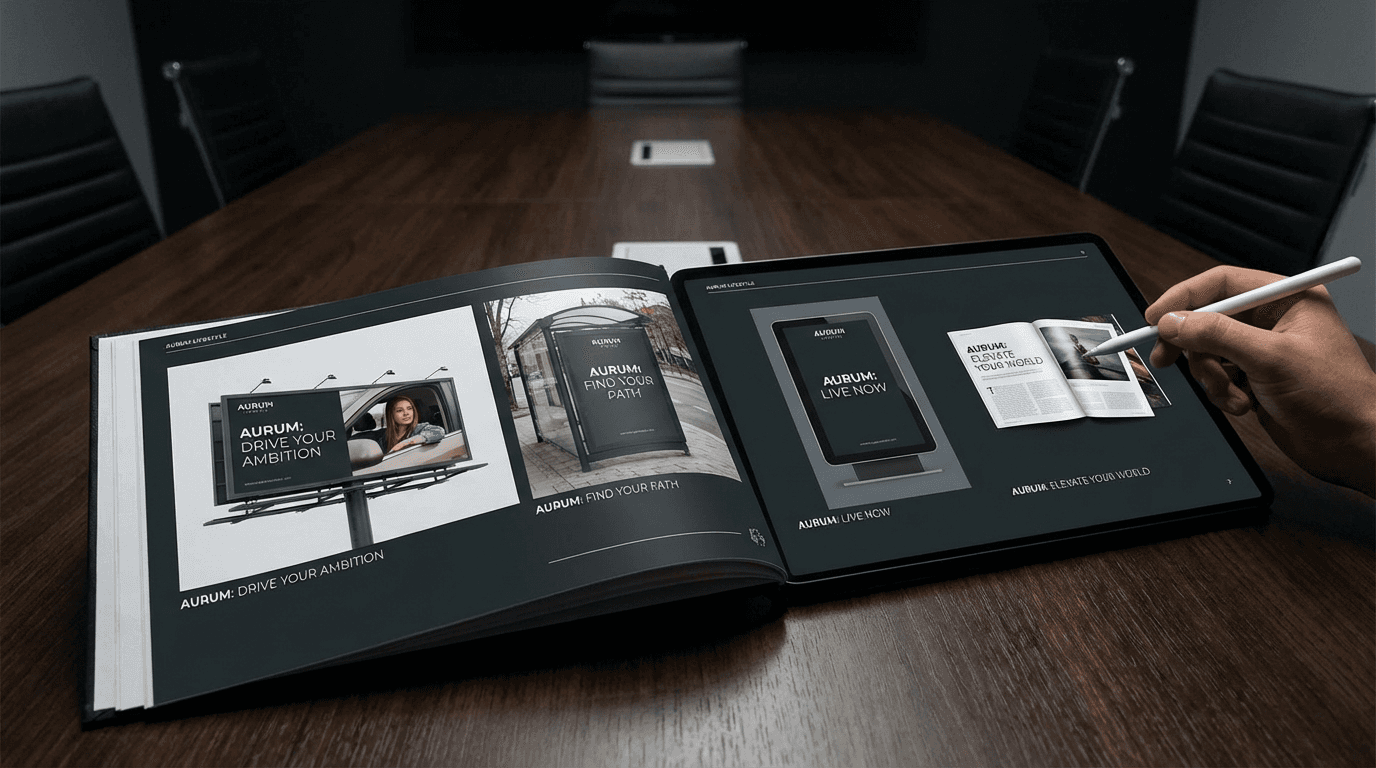
Billboard 4x3 mockups are used in several professional situations: agency presentations, tender responses, internal campaign validation, and creative portfolios.
They are also useful for advertising networks that want to show clients the exact placement with the integrated visual.